Ten weeks of Claude Code: an efficiency audit
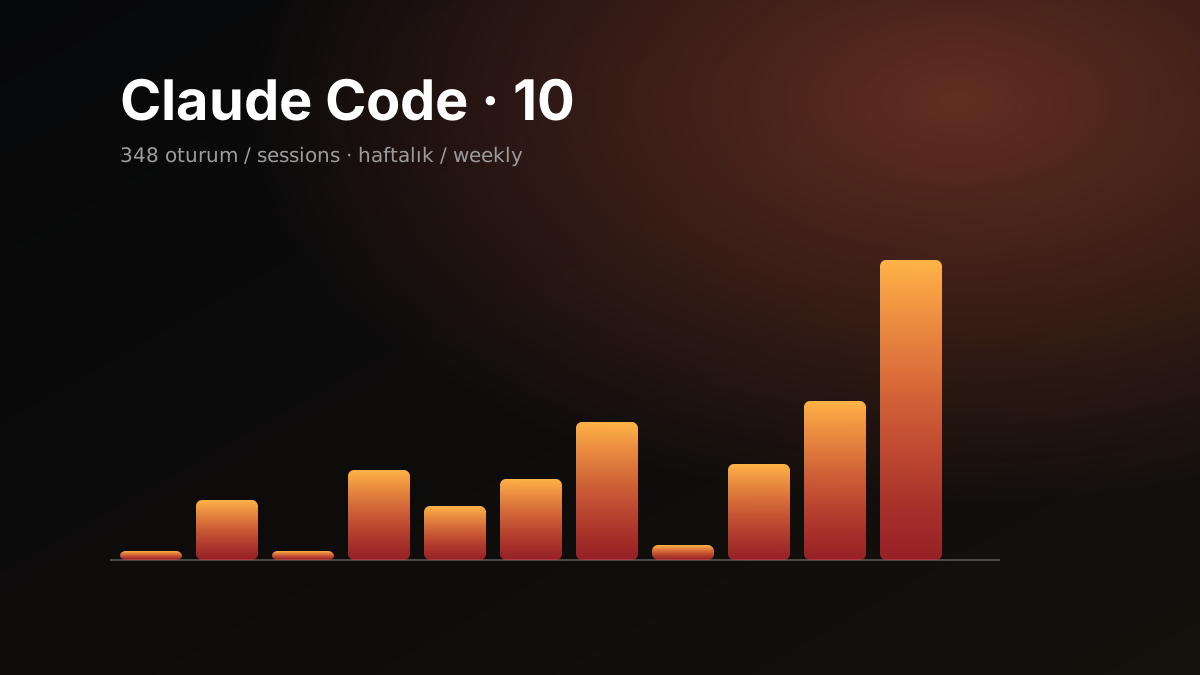
I have used Claude Code every day for ten weeks, less for writing code than for investigation, review, operational questions and team work. At some point I asked myself: am I actually using it efficiently, or just using it a lot?
Instead of guessing, I measured. Claude Code keeps a local record of every session on the machine, so I had Claude analyse those records.
How I measured
The sessions were split into chronological groups. A separate agent read each group and wrote down observations under six headings: prompting, delegation, workflow, friction, oversight and tooling. A second agent then tried to refute every finding by recounting the data. Some findings shrank at that stage and a few were dropped.
| Measure | Value |
|---|---|
| Period | 10 weeks |
| Sessions | 348 |
| Prompts I wrote | ~2,900 |
| Subagents spawned | 889 |
| Median prompt length | 72 characters |
The short answer: more efficient than average, but overpaying in a few specific places.
What I was doing right
Taking Claude to the evidence. In 79% of sessions Claude looks directly at real system data: logs, the database, pull requests and tickets. My prompts are short, but most start with a link or an id. The link carries the context and the words carry only the verb. Saying “look” instead of “guess” gives answers that are both more accurate and cheaper.
Keeping the decision button. Merges, deploys and writes to production stayed with me. Claude writes and checks the query, I decide to run it. It costs seconds and protects the team’s codebase.
A review loop. Review, fix, re-review and ticket update run as one flow, and over time it became a habit.
Learning fast. Interruptions per session, the moments I stopped Claude mid-task, dropped quickly:
| Month | Interruptions per session |
|---|---|
| July | 0.95 |
| August | 0.27 |
| September | 0.21 |
Where I was overpaying
Very long sessions. 8% of sessions used 46% of the output and 67% of the context reads. The reason is simple: every turn re-reads the whole context, so the longer a session runs, the more the same question costs. In those sessions the cost per prompt was roughly double, for the same amount of work.
Model choice. 64% of the spend went to the most expensive model. Most of the work did not need it. The big model belongs to hard debugging and large changes.
Silent automation. I had set up a nightly job to review open pull requests. For weeks it finished “successfully” without doing anything, and nobody noticed because it never failed. Lesson: make automation prove its work. Every run writes a dated report, and a run that makes zero tool calls counts as a failure.
Reviews without a decision line. The reviews were long and careful, but I often had to ask a second question: “can I merge this?” The first line of every review should be the decision: merge, fix or wait.
Duplicate plugins. Three separate code review sources, two documentation plugins and two ticket integrations were loaded. Even unused, each adds to the tool and skill list on every turn.
Seven habits I changed
- A new session at every milestone. When a PR is opened or a ticket is closed, Claude writes a short handoff note: goal, status, open items, things to watch. The next session reads the note and carries on. I turned this into a skill.
- Limit query output up front. A summary query first, then only the needed columns and a row limit. For logs, a small result size and a field filter. Large outputs stay in context until the session ends.
- A mid-tier default model. I pick the big model deliberately, for a task, and switch back when it is done.
- Effort level and a decision line in reviews. “Quick look” for small PRs, and one session per PR instead of ten PRs in one.
- Plugin cleanup. One of each kind, the unused ones switched off.
- Automation has to prove itself. A dated report and an alert when it goes stale. “No errors” does not mean “it worked”.
- Turn repeated procedures into skills. Deploy checks and data fixes are no longer explained from scratch each time, and a skill is only loaded when it is needed.
Takeaway
Using Claude efficiently is not about giving it more work. It is about giving it the right context, at the right moment, in the right amount. One note from the audit itself: an analysis this thorough is expensive too. Once a month is enough, not every day.