EF Core pitfalls
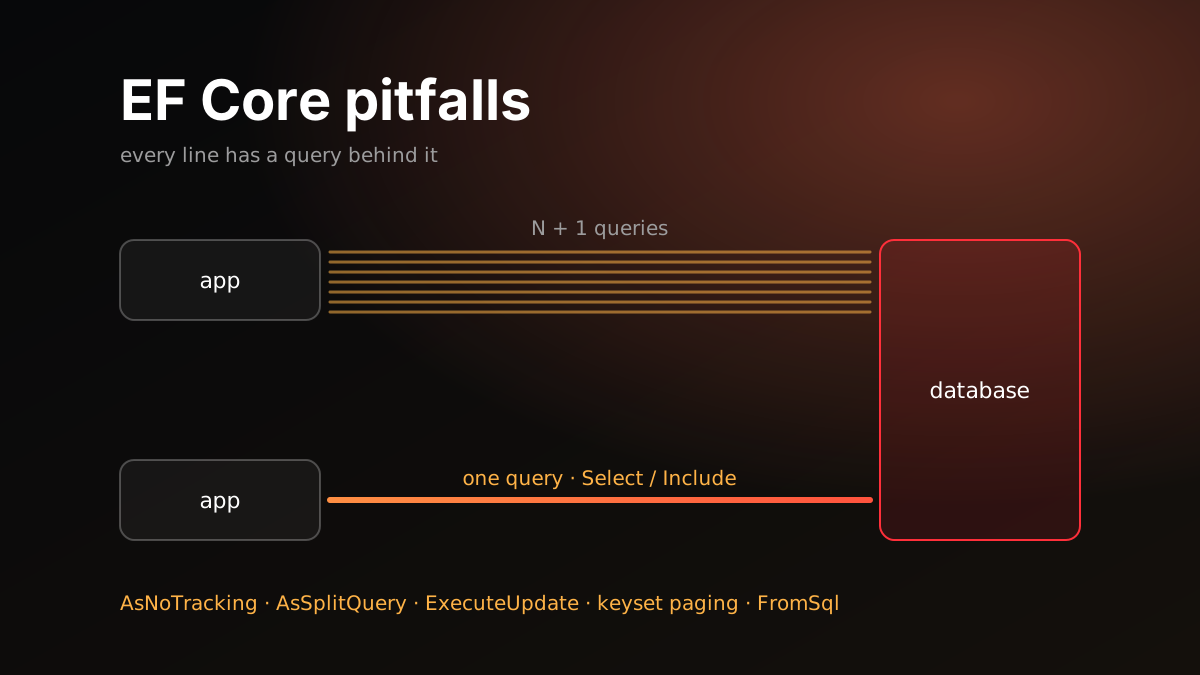
EF Core lets you write database code as C#. As with async/await, that’s where the trouble is: the code looks like it works on a collection, but every line has a SQL query behind it. Code that’s fast in development with a hundred-row table takes seconds in production with hundreds of thousands.
These are the EF Core mistakes I’ve seen most often in code reviews. Each one comes with the problem, the symptom and the fix.
Learn to see it first
Every mistake below takes seconds to spot once you look at the generated SQL. So the first step is to make the SQL visible.
options.UseSqlServer(connectionString)
       .LogTo(Console.WriteLine, LogLevel.Information);
To see the SQL for a single query, ToQueryString() is enough. TagWith("...") adds a comment to the top of the query, which makes it easy to find where a query comes from when it shows up in the database’s slow query list.
In ASP.NET Core you don’t need LogTo: EF Core uses the app’s own logging. Setting the Microsoft.EntityFrameworkCore.Database.Command category to Information in appsettings.json is enough.
EnableSensitiveDataLogging() logs parameter values too. Only turn it on in development.
N+1 queries
var orders = await _db.Orders.ToListAsync(ct);
foreach (var order in orders)
{
    var customer = await _db.Customers.FindAsync([order.CustomerId], ct);
    // ...
}
One query loads the orders, then another query runs for each order. A hundred orders means up to a hundred and one queries. With lazy loading on, the same thing happens invisibly: the first access to order.Customer on each order is a separate query.
Symptom: The same query repeated back to back in the log with different parameters.
Fix: Load related data in one query. If you only need a few fields, a Select projection is best:
var rows = await _db.Orders
    .Select(o => new { o.Id, o.Total, CustomerName = o.Customer.Name })
    .ToListAsync(ct);
If you need the whole entity, use Include(o => o.Customer). Think twice before turning on lazy loading. It makes N+1 invisible when reading the code.
Needless change tracking
By default EF Core tracks every entity it reads: it keeps a snapshot and checks for changes on SaveChanges. For data you only read and send to the client, that wastes memory and CPU.
Fix: Use AsNoTracking() for read-only queries.
var products = await _db.Products
    .AsNoTracking()
    .Where(p => p.IsActive)
    .ToListAsync(ct);
If most queries are read-only, flip the default and say AsTracking() where you update:
options.UseQueryTrackingBehavior(QueryTrackingBehavior.NoTracking);Projections into DTOs or anonymous types aren’t tracked anyway, as long as they contain no entities. If a projection does contain one, like new { Order = o, o.Total }, that entity is tracked.
More columns than you need
var names = (await _db.Products.ToListAsync(ct)).Select(p => p.Name);You only need the names, but every column in the table is pulled from the database, long descriptions and image fields included.
Fix: Put the Select inside the query, before ToListAsync. EF Core then generates SQL that fetches only the selected columns.
var names = await _db.Products.Select(p => p.Name).ToListAsync(ct);The same mistake happens with navigations: calling Include(b => b.Posts) just to read b.Posts.Count loads every post. Select(b => new { b.Name, PostCount = b.Posts.Count() }) produces a COUNT in SQL instead.
Loading everything, then filtering
var all = await _db.Orders.ToListAsync(ct);
var recent = all.Where(o => o.CreatedAt > since).ToList();
The filter comes after ToListAsync, so the whole table is loaded into memory and the filter runs in C#. It also happens in a sneakier way: if a repository method returns IEnumerable<T> instead of IQueryable<T>, every Where added on top runs in memory.
public IEnumerable<Order> GetOrders() => _db.Orders;

// Loads the whole table, filters in memory
var recent = _repo.GetOrders().Where(o => o.CreatedAt > since).ToList();
Fix: Filter, sort and page before the query is materialized. Repositories should either return IQueryable<T>, or take the filter as a parameter and produce the result themselves.
Since EF Core 3.0, a Where that can’t be translated to SQL doesn’t silently run in memory; it throws. That’s a good thing. The one exception is the outermost Select: untranslatable method calls there can run in memory after the data arrives. “Fixing” the error by adding AsEnumerable() or ToList() brings the problem right back.
Checking existence with Count
if (await _db.Orders.CountAsync(o => o.CustomerId == id, ct) > 0) { }The database has to count every matching row, when the question is only “is there at least one?”.
Fix: Use AnyAsync. It stops at the first match.
if (await _db.Orders.AnyAsync(o => o.CustomerId == id, ct)) { }Including several collections
var blogs = await _db.Blogs
    .Include(b => b.Posts)
    .Include(b => b.Contributors)
    .ToListAsync(ct);
By default EF Core turns this into a single query with JOINs. For a blog with 10 posts and 10 contributors, the result is 100 rows, with the blog columns repeated on every one. As the collections grow, the row count multiplies. This is called cartesian explosion. If you haven’t configured a splitting behavior, EF Core also logs a warning for queries that load more than one collection.
Fix: Use AsSplitQuery() to load each collection in its own query.
var blogs = await _db.Blogs
    .Include(b => b.Posts)
    .Include(b => b.Contributors)
    .AsSplitQuery()
    .ToListAsync(ct);
To make split queries the default, use options.UseSqlServer(cs, o => o.UseQuerySplittingBehavior(QuerySplittingBehavior.SplitQuery)). Say AsSingleQuery() where you want a single query.
Split queries have a cost too. Several queries mean several round trips. If the data changes between them, the results can be inconsistent with each other. Preventing that takes a snapshot or serializable transaction. Reference navigations (Include(o => o.Customer)) don’t multiply rows; the problem is only with collections. Often the best fix is, again, to take only the fields you need with Select.
Paging without ordering
var page = await _db.Products.Skip(40).Take(20).ToListAsync(ct);Without ORDER BY, the database doesn’t guarantee the order of the rows. The same page can show different products on two requests, and some products may never show up. EF Core logs a warning for this too.
Fix: Always page over a unique ordering. If the sort column isn’t unique, add Id at the end.
var page = await _db.Products
    .OrderBy(p => p.Name).ThenBy(p => p.Id)
    .Skip(40).Take(20)
    .ToListAsync(ct);
Skip slows down on deep pages, because the database still reads every skipped row. For large lists, keyset pagination, which continues from the last value seen, is much faster:
var page = await _db.Products
    .Where(p => p.Id > lastId)
    .OrderBy(p => p.Id)
    .Take(20)
    .ToListAsync(ct);
If the ordering has more than one column, the condition has to compare them together: string.Compare(p.Name, lastName) > 0 || (p.Name == lastName && p.Id > lastId).
SaveChanges in a loop
foreach (var item in items)
{
    _db.Items.Add(item);
    await _db.SaveChangesAsync(ct);
}
Every SaveChanges is a separate round trip and a separate transaction. A thousand records, a thousand round trips.
Fix: Add them all, save once. EF Core batches the commands itself and sends them in fewer round trips.
_db.Items.AddRange(items);
await _db.SaveChangesAsync(ct);
Bulk updates through entities
var expired = await _db.Sessions
    .Where(s => s.ExpiresAt < now)
    .ToListAsync(ct);
_db.Sessions.RemoveRange(expired);
await _db.SaveChangesAsync(ct);
Every row to delete is loaded into memory first, tracked, then sent its own DELETE command.
Fix: Since EF Core 7, ExecuteDeleteAsync and ExecuteUpdateAsync run a single SQL command and load nothing into memory.
await _db.Sessions
    .Where(s => s.ExpiresAt < now)
    .ExecuteDeleteAsync(ct);

await _db.Products
    .Where(p => p.CategoryId == categoryId)
    .ExecuteUpdateAsync(s => s.SetProperty(p => p.Price, p => p.Price * 1.1m), ct);
These commands bypass the change tracker. Entities the context is already tracking aren’t updated, and interceptors or audit logic tied to SaveChanges don’t run. Account for that if you rely on them.
The command also runs right away, without waiting for SaveChanges. If it must share a transaction with other pending changes, open the transaction yourself with BeginTransactionAsync.
Queries that can’t use an index
var user = await _db.Users
    .FirstOrDefaultAsync(u => u.Email.ToLower() == email.ToLower(), ct);
ToLower() becomes a LOWER() function applied to the column in SQL. Once a function is applied to a column, the database can’t seek on that column’s index and has to scan every row. Contains is similar: a search that starts with a wildcard, like LIKE '%value%', can’t benefit from an index either.
Fix: Leave the comparison to the database. On SQL Server the default collation is usually case-insensitive already (_CI_), so a plain u.Email == email is enough. PostgreSQL is case-sensitive by default. There, use a case-insensitive collation or the citext type. Normalizing the value when you save it and searching a separate column is another option (like NormalizedEmail in ASP.NET Core Identity). If you really need to search inside text, use full-text search.
Raw SQL and SQL injection
// Don't
var users = await _db.Users
    .FromSqlRaw($"SELECT * FROM Users WHERE Name = '{name}'")
    .ToListAsync(ct);
FromSqlRaw takes a plain string. The $"..." is turned into an ordinary string first, so the value is pasted straight into the SQL text. That’s a classic SQL injection hole. Since EF Core 8, the built-in analyzer flags this with warning EF1002; don’t suppress it.
Fix: Use FromSql, available since EF Core 7. It takes a FormattableString, so every interpolated value becomes a SQL parameter:
var users = await _db.Users
    .FromSql($"SELECT * FROM Users WHERE Name = {name}")
    .ToListAsync(ct);
FromSqlRaw is only needed when the SQL text itself is truly dynamic. Even then, don’t embed the values in the text; pass them separately as parameters, as in FromSqlRaw("... WHERE Name = {0}", name).
A long-lived DbContext
DbContext is designed as a short-lived unit of work. A context registered as a singleton, or kept alive for a long time, piles up the entities it tracks. Memory grows, SaveChanges slows down and stale data starts coming back. On top of that, DbContext isn’t thread-safe. Running parallel queries on the same context with Task.WhenAll throws.
Fix: In a web app, register it with AddDbContext so each request gets its own context. Background services are singletons, so they can’t take a scoped context directly. There, and in parallel work, register with AddDbContextFactory and use IDbContextFactory<TContext> to create a short-lived context per unit of work, and dispose it when done.
Short checklist
- Generated SQL is visible in development.
- No queries in loops. Related data in one query with
SelectorInclude. - Read-only queries use
AsNoTracking. - Only the needed columns, with
Select. - Filtering and paging before materialization. Repositories don’t return
IEnumerable. - Existence checks with
AnyAsync. AsSplitQueryor a projection for multiple collections.- Unique ordering for paging. Keyset pagination for large lists.
SaveChangesoutside the loop.- Bulk operations with
ExecuteUpdateandExecuteDelete. - No functions on columns, so indexes can be used.
FromSqlfor raw SQL, never concatenated strings.- Short-lived
DbContext.IDbContextFactoryin the background.